
Refreshingly simple gallery design, sales & payments software for pro photographers.
Ditch the digital race to the bottom - sell more wall art, albums and printed products with Swift Galleries.


















Our approach is simple: if you need it, it's included.No upgrades. No upsells. (No, really.)
You know those companies that sell you something just for you to discover you need to buy their other stuff to make the first thing work? Yeah… that’s not us. Whether it’s software or training or support, if you need it to be successful then it’s included with your Swift Galleries membership.
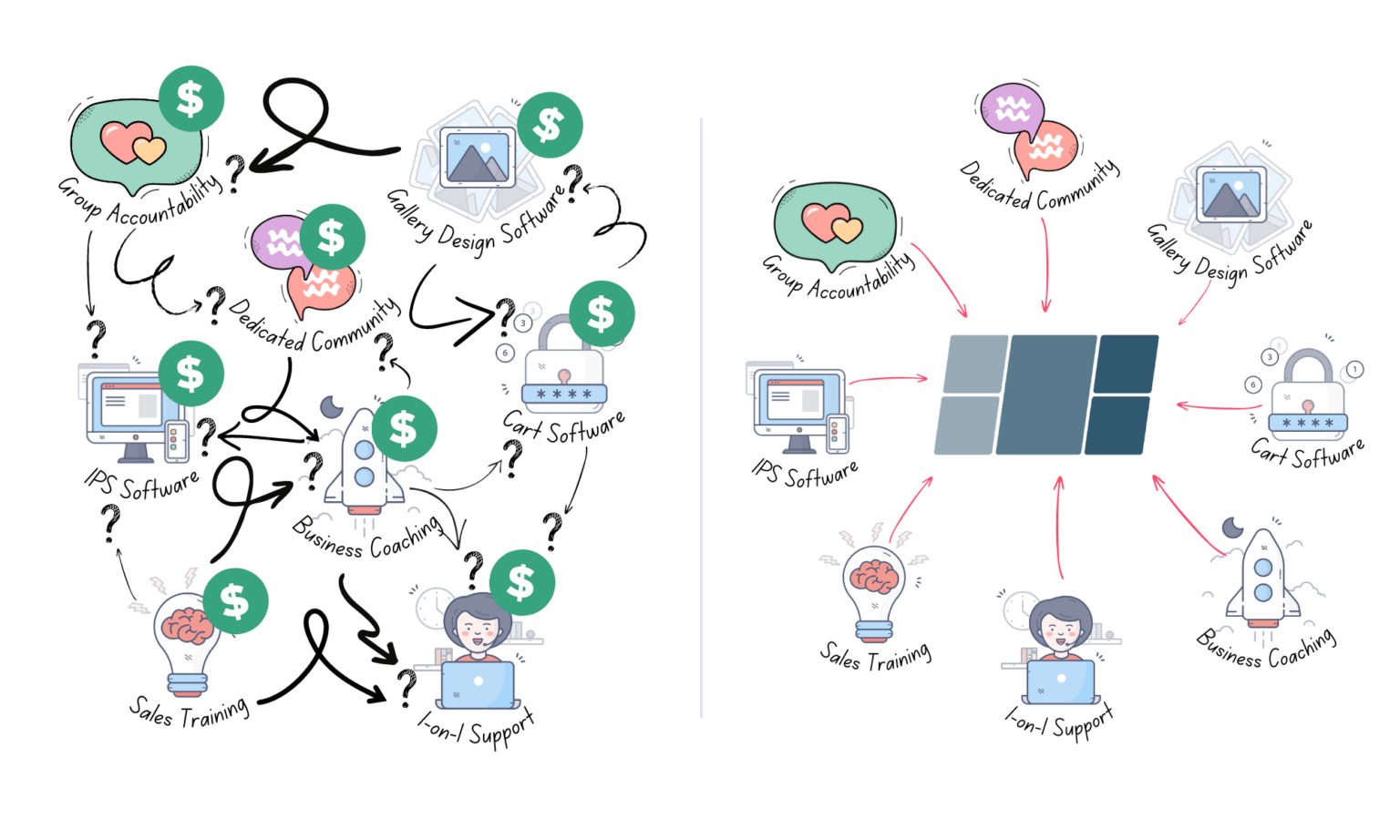
The Old Way
- Everything sold separately
- Expensive funnels and upsells
- Training doesn't match your tools
- Feels "cobbled together"
- Time-consuming to set up
- Unprofessional looking to clients
- Outdated upgrade & licensing pricing models
Our Way
- Everything you need, in one membership
- One affordable price with no upsells
- Training was created to match our tools
- Simple and quick to set up
- Modern and professional design
- Works seamlessly across all your devices
- Instant and free updates, nothing to install, no additional licenses needed
A sales experience youand your clientswill love.
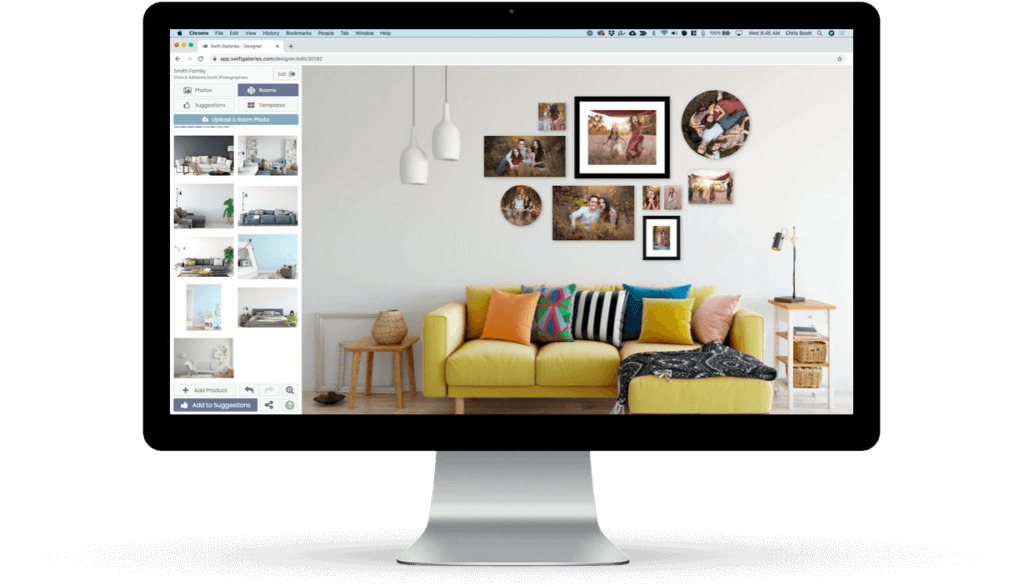
Design stunning galleries, run your entire sales meeting and make the sale (without feeling “salesy”) all from your new favorite sales tool.
- Point-and-click gallery wall designer
- Albums. Prints. Ornaments. Sell those, too.
- Step-by-step sales workflow
- Integrated discounts & checkout flow
- Works on every device & operating system
- No commissions, licenses or upgrade fees.


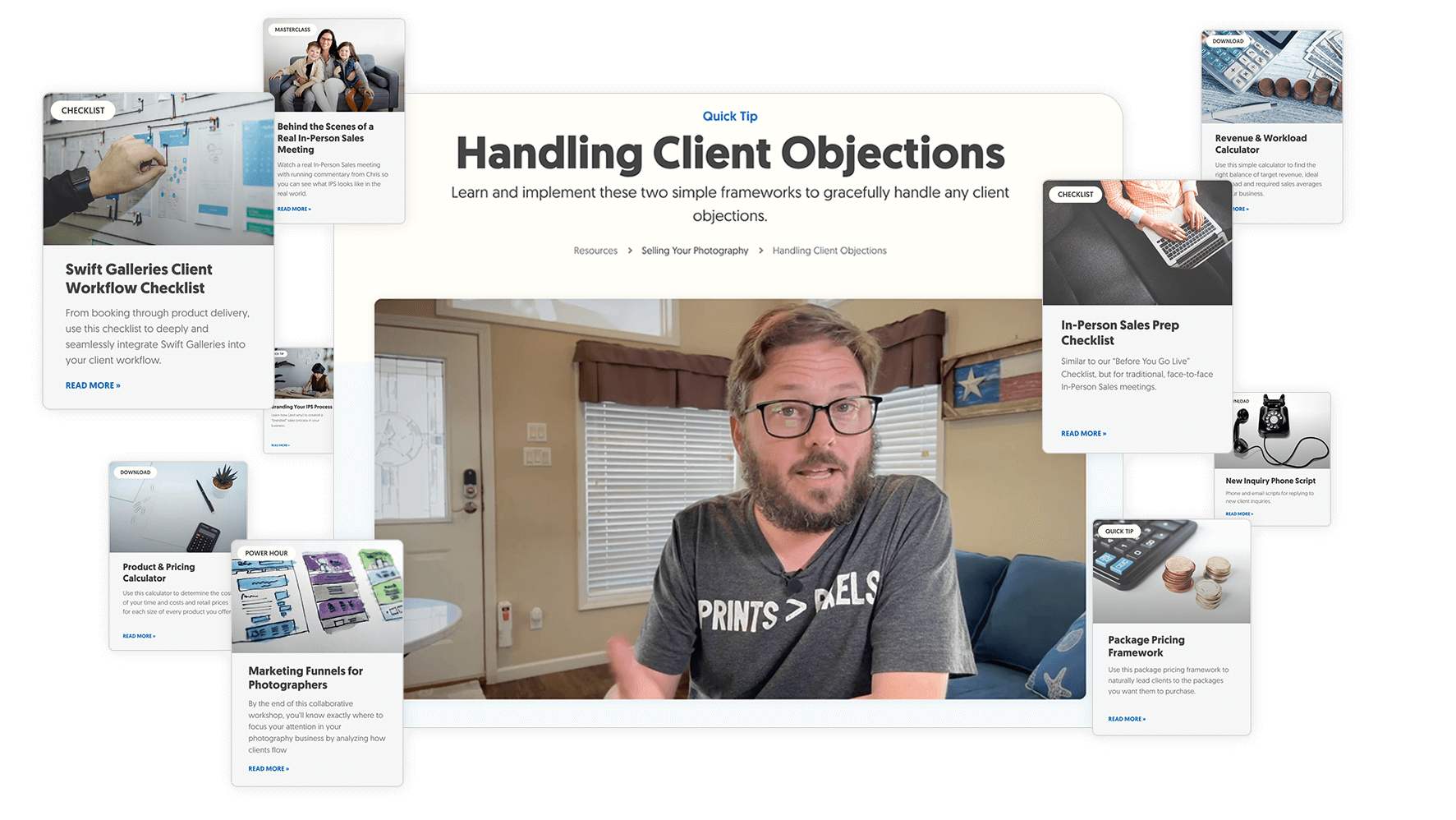
Sales & business educationthat respects your time.
Just because we live and breathe all things photography sales doesn’t mean you should.
That’s why all our training is quick and actionable so you can get in, learn what you need to, and get back to your life.
Welcome to our community.You've found your people.
Swift Galleries membership means never feeling like you’re on your own to figure everything out.
-
 Small Group Accountability
-
 Direct Access to our Founding Team
-
 1-on-1 Coaching Opportunities
-
 Access to our Mentor Network

The average Swift Galleries sale will covermore than 4 yearsof your membership.
Yeah, that’s 4 years. In one sale. 🤯
Dig a little deeper.
Ready to start a free trial? Click the button and let’s do it. Otherwise, continue exploring everything you get with a Swift Galleries membership below.
Community & Accountability
Wall Gallery Designer
"Work less, make more, dream bigger and live better"
It’s not marketing hype, it’s the reason we do what we do.
Give us a try, no credit card needed.
Get access to every Swift Galleries feature, absolutely free for 14 days. No commitments, no credit card. No shenanigans.
Since ditching Shoot & Burn for Swift Galleries, Kaitlin makes 10x more money working 1/3 the hours.
She takes advantage of this extra time to spend more time being present with her school-aged kids.
Kelly went from a borrowed laptop for her first sales meeting to selling more than $60,000 in print products in a single month.
Swift Galleries has helped her dramatically change her business from Shoot & Burn to the business of her dreams, specializing in serving high-end, luxury clientele.
Bri went from Shoot & Burn to $130,000+ in print sales profits in her first year with us.
Even more, she was able to cut the number of sessions she photographs in half, saving her from burnout.
Kate's first sale covered 13 years of her Swift Galleries membership.
Swift Galleries helps Kate spend more time with her kid (while out-earning her doctor husband).
Is Swift Galleries right for you?
Take Swift Galleries for a spin, completely free.
Rachel went from "button pusher" to "trusted advisor".
Switching from Shoot & Burn to print sales with Swift Galleries helped Rachel build the home studio she’d been dreaming of.